
NotebookLM Ultra vs Free Watermark Removal: Save $1,200/Year
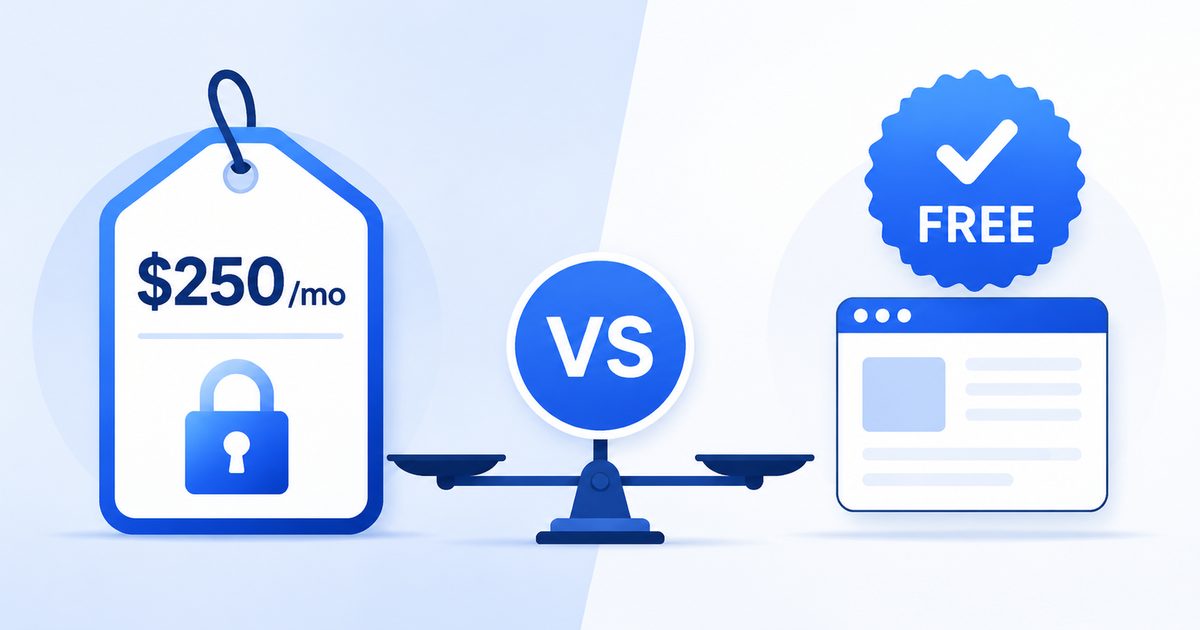
Do You Really Need to Pay for Ultra?
If you've exported anything from NotebookLM — a video overview, a slide deck, an infographic — you've hit the watermark. And when you went looking for how to remove it officially, you found the answer: upgrade to NotebookLM Ultra, part of the Google AI Ultra subscription, which starts at $99.99/month and runs to $199.99/month for the top tier.
That's $1,200 a year at the cheaper tier and $2,400 at the top one. To remove a logo from content you created. Google cut the top tier from $249.99 at I/O 2026, so this is already the discounted version. For a large enterprise team it might be a rounding error. For a student, teacher, freelancer, or solo creator, it's absurd.
This article breaks down exactly what NotebookLM Ultra gives you, what it costs, and how it compares to free browser-based removal — so you can decide whether the subscription is worth it for your situation.
What NotebookLM Ultra Actually Includes
NotebookLM Ultra is bundled into the broader Google AI Ultra subscription. You can't buy "watermark-free NotebookLM exports" on their own — it comes as part of the package. The bundle includes:
- Watermark-free exports — but only for infographics and slide decks, per Google's own plan documentation. Video and audio overviews stay branded.
- Higher usage limits (more notebooks, more sources, more audio/video generations)
- Priority processing and access to the latest models
- Gemini Ultra features across other Google products
- Large Google One storage allocation
So if you genuinely use the higher limits and the wider Gemini Ultra ecosystem, the watermark removal is a bonus on top of features you'd pay for anyway. But if the only reason you're considering it is the watermark, you're paying $99.99/month at minimum for a logo — and not even getting it removed from video or audio.
The Cost Comparison
| Option | Monthly | Yearly | Formats covered |
|---|---|---|---|
| NotebookLM Ultra | $99.99–$199.99 | $1,200–$2,400 | Infographics, slide decks |
| NotebookLM Remover | $0 | $0 | Video, PDF, PPTX, infographics, Gemini images |
Over a year, the difference is $1,200 to $2,400 — and the free tool covers every format NotebookLM produces, not just the two Google will clean for you. It runs entirely in your browser and requires no account.
When NotebookLM Ultra Does Make Sense
To be fair, there are real cases where paying for Ultra is the right call:
- You hit the free usage limits constantly — if you generate dozens of notebooks, audio overviews, or videos per week, the higher limits alone may justify the cost
- You use Gemini Ultra elsewhere — if your workflow already leans on Gemini Ultra across Docs, Gmail, and other Google products, the bundle is good value
- Enterprise compliance — some organizations require the "official" path and can't use third-party tools on confidential content (though browser-local tools never upload your files)
- You value zero friction — Ultra exports come clean automatically; no extra step
When Free Removal Makes More Sense
For the majority of NotebookLM users, free removal alternatives to a paid Ultra plan are the obvious choice:
- You only export occasionally — a few slide decks or videos a month doesn't justify a $99.99-a-month subscription
- You're a student or educator — the budget for a logo-removal subscription simply isn't there
- You're a freelancer or solo creator — every dollar of overhead matters, and $1,200 a year is a meaningful expense
- You're already happy with NotebookLM Free — and the watermark is the only thing standing between you and a finished deliverable
How Free Removal Works
The free NotebookLM watermark remover processes your exports 100% in your browser — no upload, no account, no limits. Each format has a dedicated engine:
- Video — removes the logo overlay (using FFmpeg's delogo filter at the known watermark coordinates) and trims the "Made with Google" end card
- PPTX — unpacks the file, cleans the embedded watermark image on each slide, repacks
- PDF slides — renders each page, removes the watermark, rebuilds a clean PDF
- Infographics — detects and gradient-fills the watermark region
- Gemini images — losslessly reverses the sparkle watermark via alpha math
Because everything is local, there's no privacy trade-off. Your confidential presentations and research never leave your device — when we monitored the browser's network tab during processing, we saw zero outbound requests, which you can verify yourself the same way.
The Bottom Line
If you're a heavy NotebookLM power user who also lives in the Gemini Ultra ecosystem, the Ultra bundle may pay for itself through features beyond watermark removal. But if you landed here because you just want to remove a logo from your own exports, you don't need to spend four figures a year to do it. A free, browser-based tool covers every format and keeps your files private.
Frequently Asked Questions
Can I buy watermark-free NotebookLM exports without the full Ultra plan?
No. Watermark-free exports are bundled into the Google AI Ultra subscription — there's no standalone "remove watermark" purchase, and even the bundle only covers infographics and slide decks. That's why free browser-based removal is so popular: it's the only way to get clean exports in every format, without committing to the full plan.
Is it legal to remove the NotebookLM watermark if I'm on the free plan?
The watermark is a branding element, not a copyright protection mechanism. You created the content from your own sources, and removing the watermark from your own exports for personal, educational, or professional use is fine. Google's terms don't prohibit it.
Does free removal reduce the quality compared to Ultra's clean exports?
When we compared free removal against Ultra's clean slide decks side by side, the difference was negligible to invisible in normal use. For Gemini images, removal is mathematically lossless. For PDFs, pages are rendered at 2x resolution. For video there is nothing to compare against, since Ultra does not clean video at all — but output quality matches the input.
Will Google ban my account for removing the watermark?
No. Browser-based removal happens entirely on your own device, after you've downloaded your export. Google has no visibility into what you do with a file once it's on your computer, and removing a logo from your own content doesn't violate the terms of service.
Ready to remove your NotebookLM watermarks?
Try NotebookLM Remover — Free